CRM Integrations: Connect Your Sales Stack Without App-Switching
You live in tabs: email here, calls there, ads and orders somewhere else. Leads slip, data doesn’t match, and every report sparks another manual export. The real cost of scattered tools isn’t just time — it’s missed deals, frustrated teams, and ad spend you can’t prove.
Those costs add up quickly when integrations are an afterthought:
- Hours lost to copy-paste and CSV cleanups
- Duplicates and data gaps that confuse sales and support
- Delayed follow-ups and leaky funnels
- Inaccurate forecasts and broken attribution
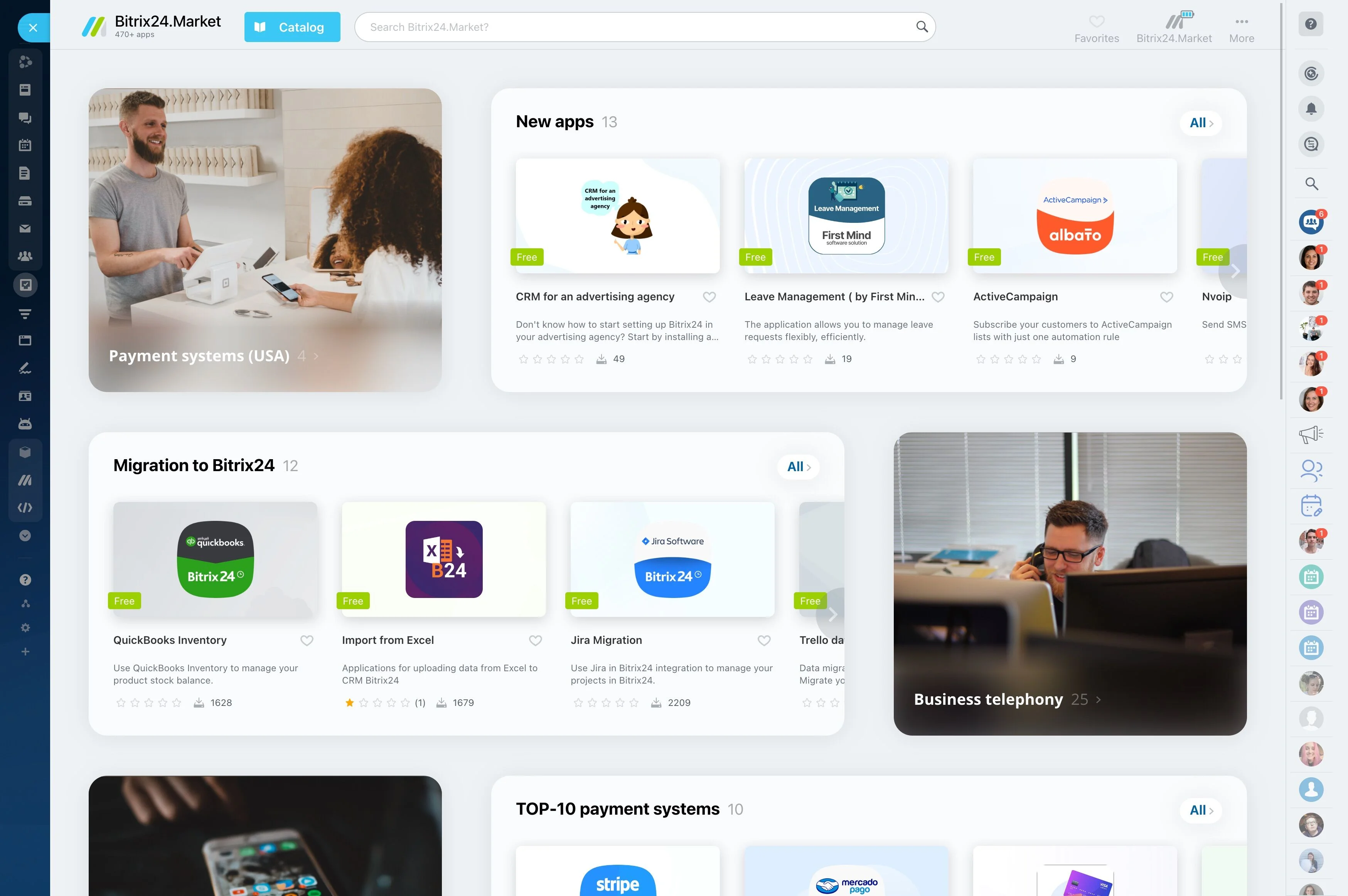
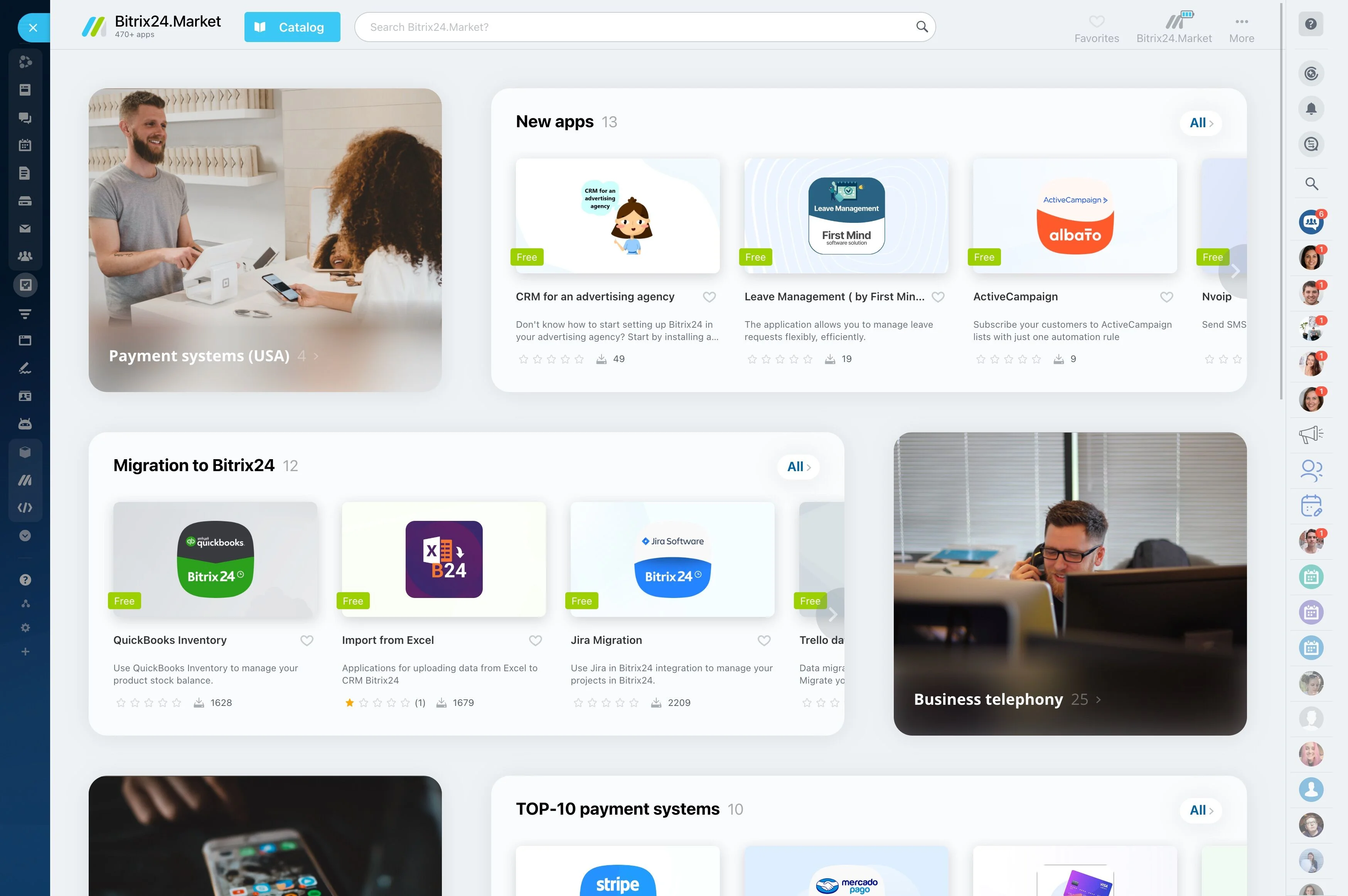
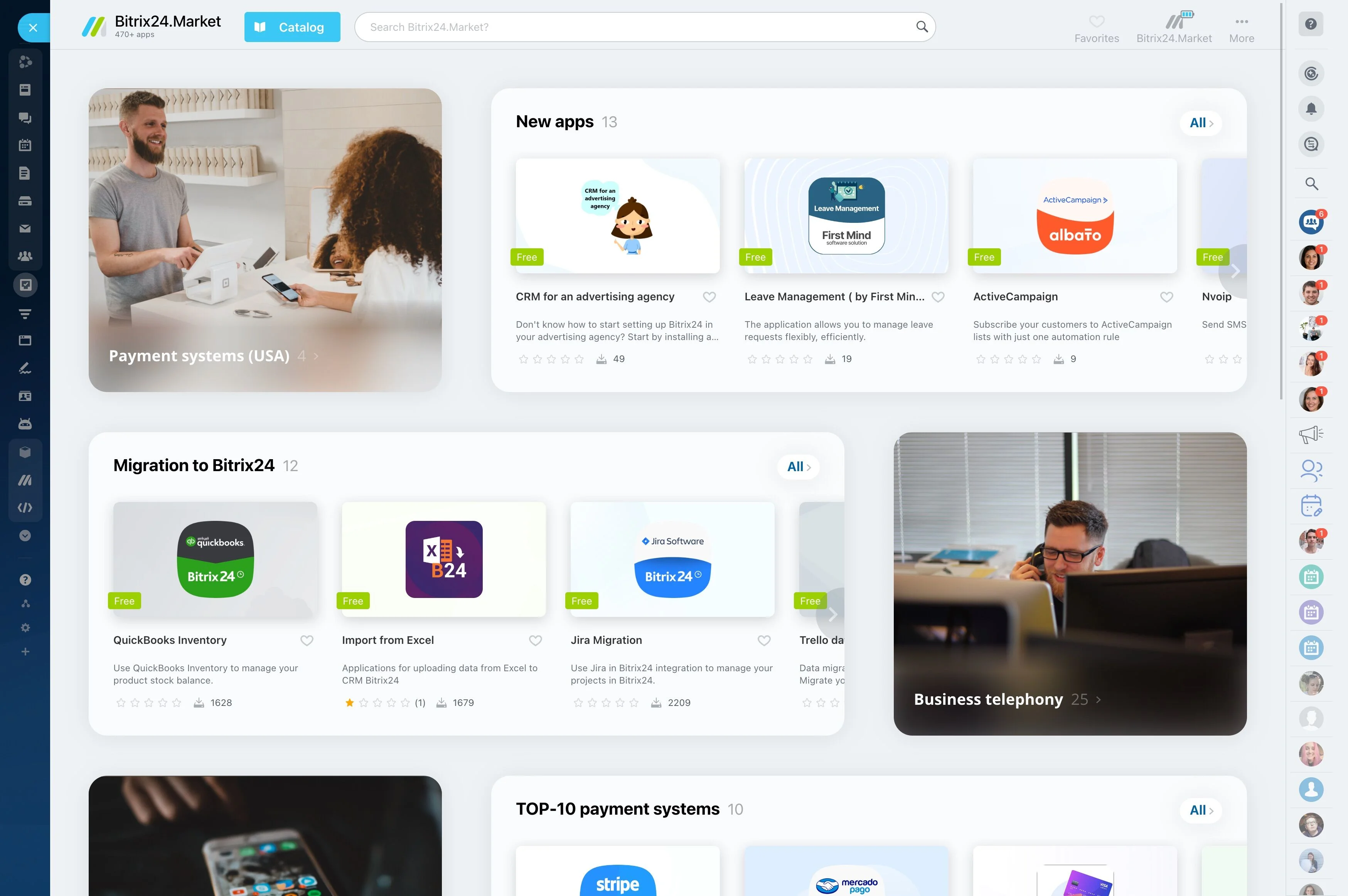
Bitrix24 brings your stack together with powerful CRM integrations that connect deals, contacts, activities, communications, and payments across the tools you already use. The Integrations Hub lets you see exactly what connects before you commit: browse by category, check sync directions and objects, and choose your best path — native apps, marketplace connectors, or no-code automation platforms.
You get a single, integrated CRM that fits your current workflow. Keep your email and calendar, your phones and chat apps, your storefront and payment gateways. Bitrix24 stitches them into one system of record so every channel, handoff, and update stays in sync while your team focuses on selling.
No-code to pro-code: connect your way
Every stack is unique.
Pick the approach that fits your team:
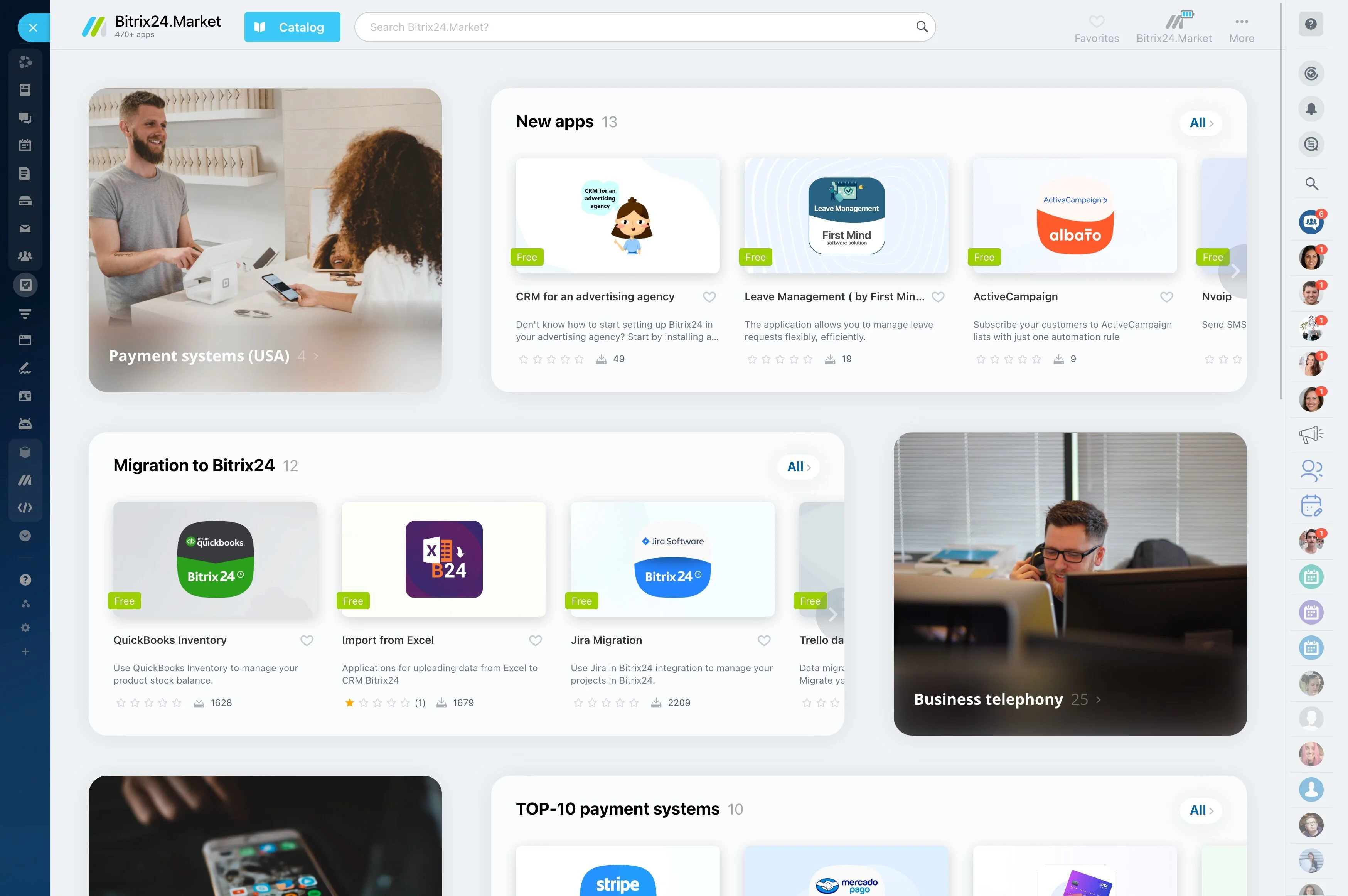
- Native and marketplace apps: install curated connectors in a few clicks, authenticate, map fields, choose entities (contacts, companies, deals, products), and go live quickly. Ideal…
- Webhooks and REST API: build custom logic, sync specialized data, and integrate internal systems. Ideal for ERPs, proprietary apps, or advanced workflows that need fine-grained…
- Fast wins: turn on email and calendar sync, log calls, and route web leads in under an hour. Replace manual CSV imports with live feeds.
- Future-proofing: swap tools (change an email provider, payment gateway, or ecommerce platform) without rewriting core CRM processes. Maintain mapping templates and ownership rules…
See what connects—before you commit
Choosing a CRM without knowing your integrations is like buying a car without checking the engine.
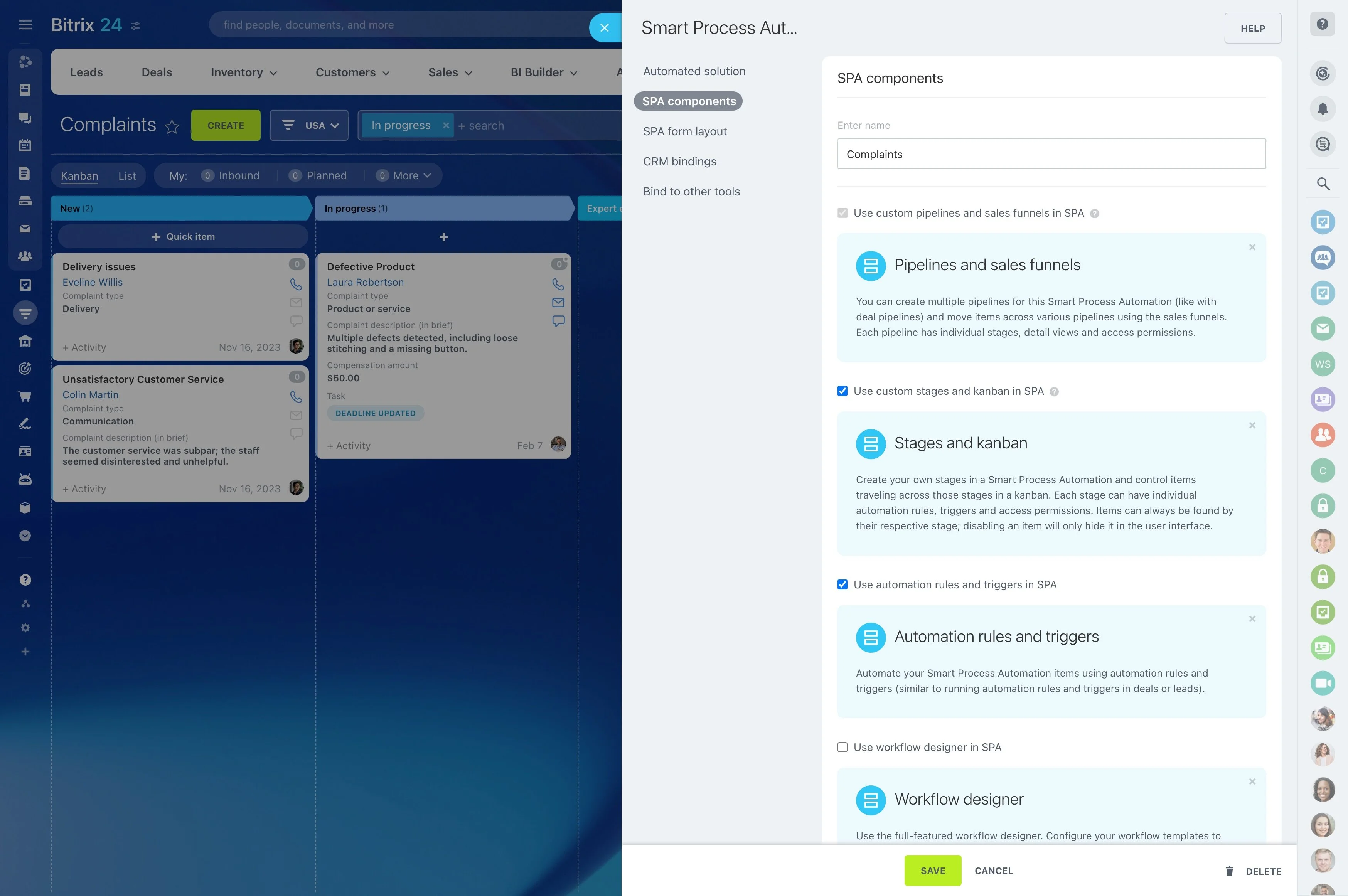
Every listing in the hub spells out the details that matter in implementation.
- Communication: email providers, telephony/SIP, WhatsApp via approved providers, Telegram, and social DMs
- Meetings and chat: Zoom, Microsoft Teams, Slack
- Productivity: Google Workspace and Microsoft 365 for mail and calendars, plus cloud storage like Drive, OneDrive, and Dropbox
- Marketing and ads: web forms, Meta and Google ad platforms, email and SMS services
Your channels, one integrated CRM
Sales doesn’t happen in one place.
The real cost of not integrating is invisible until quarter-end: lost attribution, duplicated outreach, slow follow-ups, and forecasts you can’t defend.
- Email and calendar: connect Gmail or Outlook so messages and meetings attach to the right contact and deal automatically. Incoming emails create activities; sent proposals are…
- Calling and messaging: route calls via SIP, log recordings right on the deal, and track missed calls as tasks. Capture WhatsApp and Telegram chats through approved providers and…
- Meetings and chat: launch Zoom or Microsoft Teams right from a deal. When the call ends, outcomes and notes are logged without extra clicks.
- Docs and storage: link Google Drive, OneDrive, or Dropbox so quotes and contracts live with the record. The latest version is always visible to sales, support, and finance.
Automate handoffs, not headaches
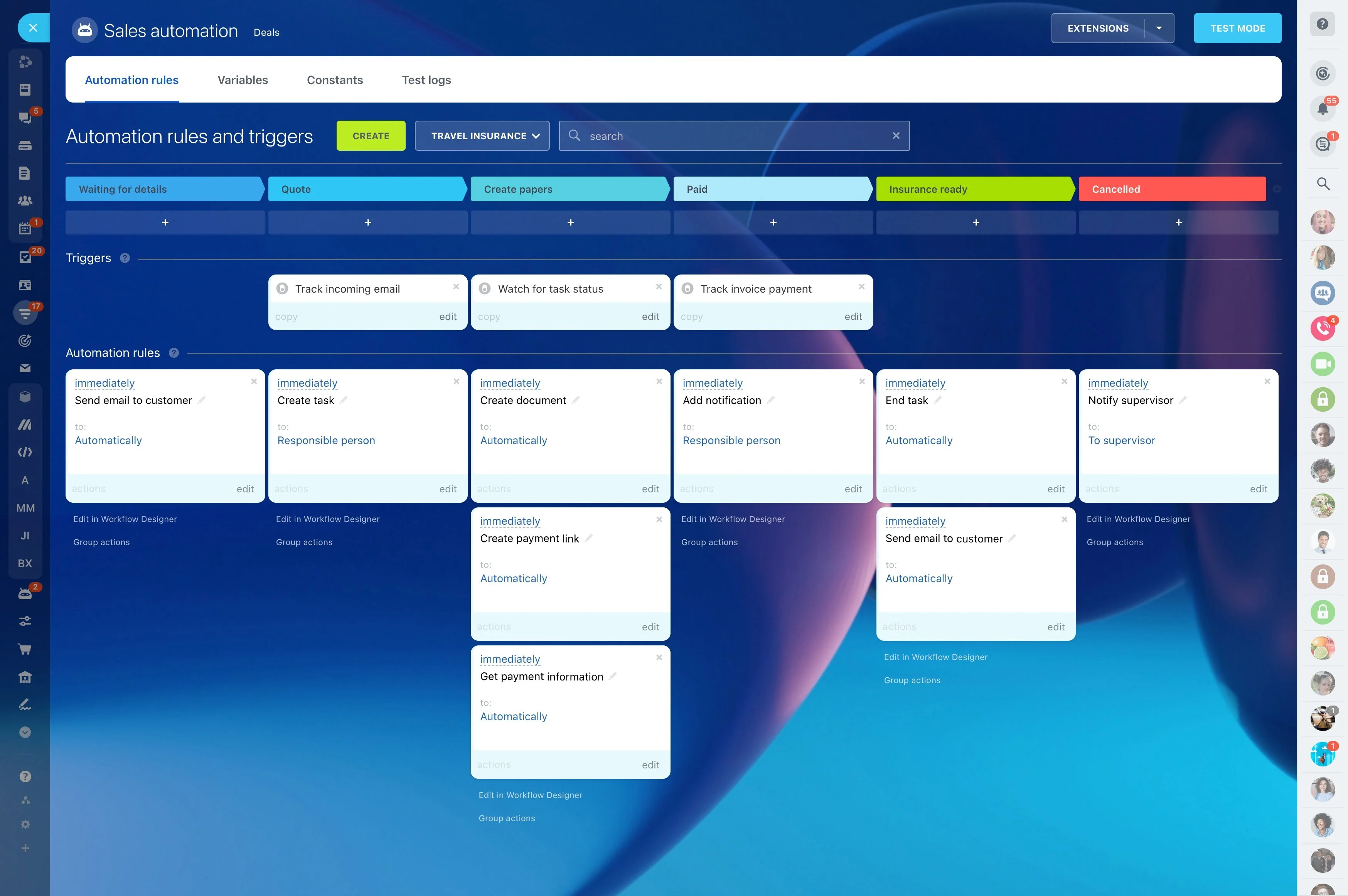
Great integrations do more than move data — they move work forward.
Typical automations you can launch in minutes:
- Capture: when a form, ad, chat, or order arrives, create a contact and deal, set the source, and assign the right owner based on rules like territory, product, or availability.…
- Enrich and qualify: standardize fields, validate phone and email, score based on channel or behavior, and route hot leads to priority queues. Tag VIPs or repeat buyers for…
- Follow up: trigger emails or SMS, create tasks, and book meetings automatically — no “Did we reply yet?” threads. Auto-nudge reps if there’s no response within a set window.
- Progress: update stages from delivery, payment, or ticket events; notify account managers when customers expand or churn risks appear. Roll upsell opportunities into the pipeline…
Admin control, data integrity, peace of mind
Integrations only work if they’re trusted.
Governance that scales with your org:
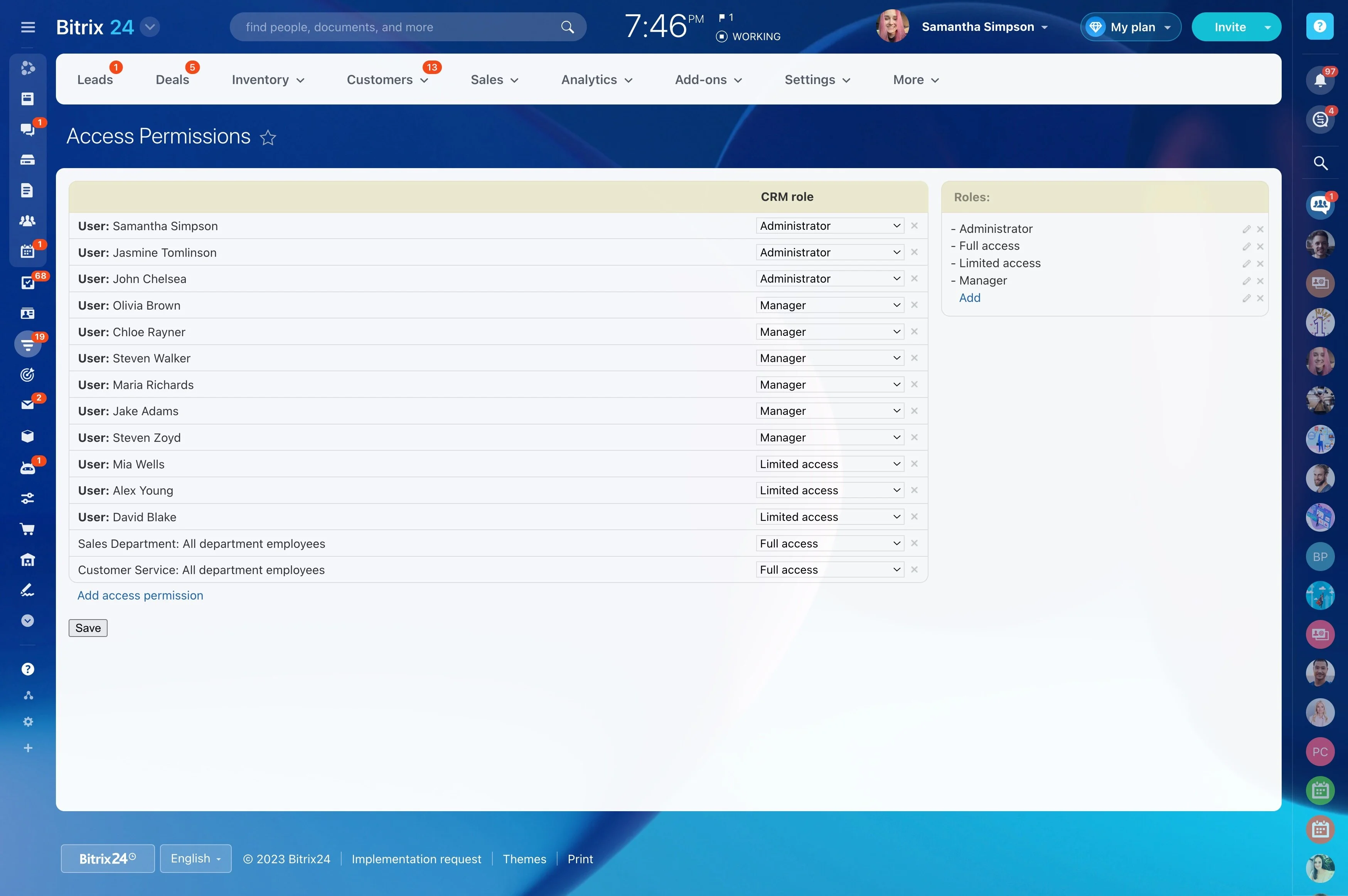
- Centralized management: view, audit, pause, and revoke connected apps from a single admin area. See who installed what, when, and with which scopes.
- Permissions and scopes: limit what each app can read or write; keep sensitive fields restricted to specific roles. Require admin approval for new connections.
- Logs and alerts: track sync activity and surface errors so issues are fixed before they become problems. Set notifications for repeated failures or unusual volumes.
Switching CRMs? Keep your stack, lose the friction
The biggest fear in a CRM switch is breaking what already works: the web forms that feed your pipeline, the phones that ring your sales floor, the storefront that prints revenue.
A practical path to change:
- Validate: use the Integrations Hub to confirm coverage for your critical apps. Note native connectors, marketplace options, and iPaaS routes where needed. Check sync directions and…
- Prepare: export contacts, companies, deals, and activities; define ownership rules and deduplication logic up front. Map fields, including custom ones, and decide which system is…
- Connect: install native or marketplace apps and set up key automations on day one — lead capture, assignment, follow-up, and meeting scheduling — so reps can keep working.
- Test: run a pilot with one team or region; compare activity logs and reports between systems. Validate that emails, calls, and orders land on the right records, with the right tags.