AI Meeting Notes: Every Agreement From the Call Turned Into a Task
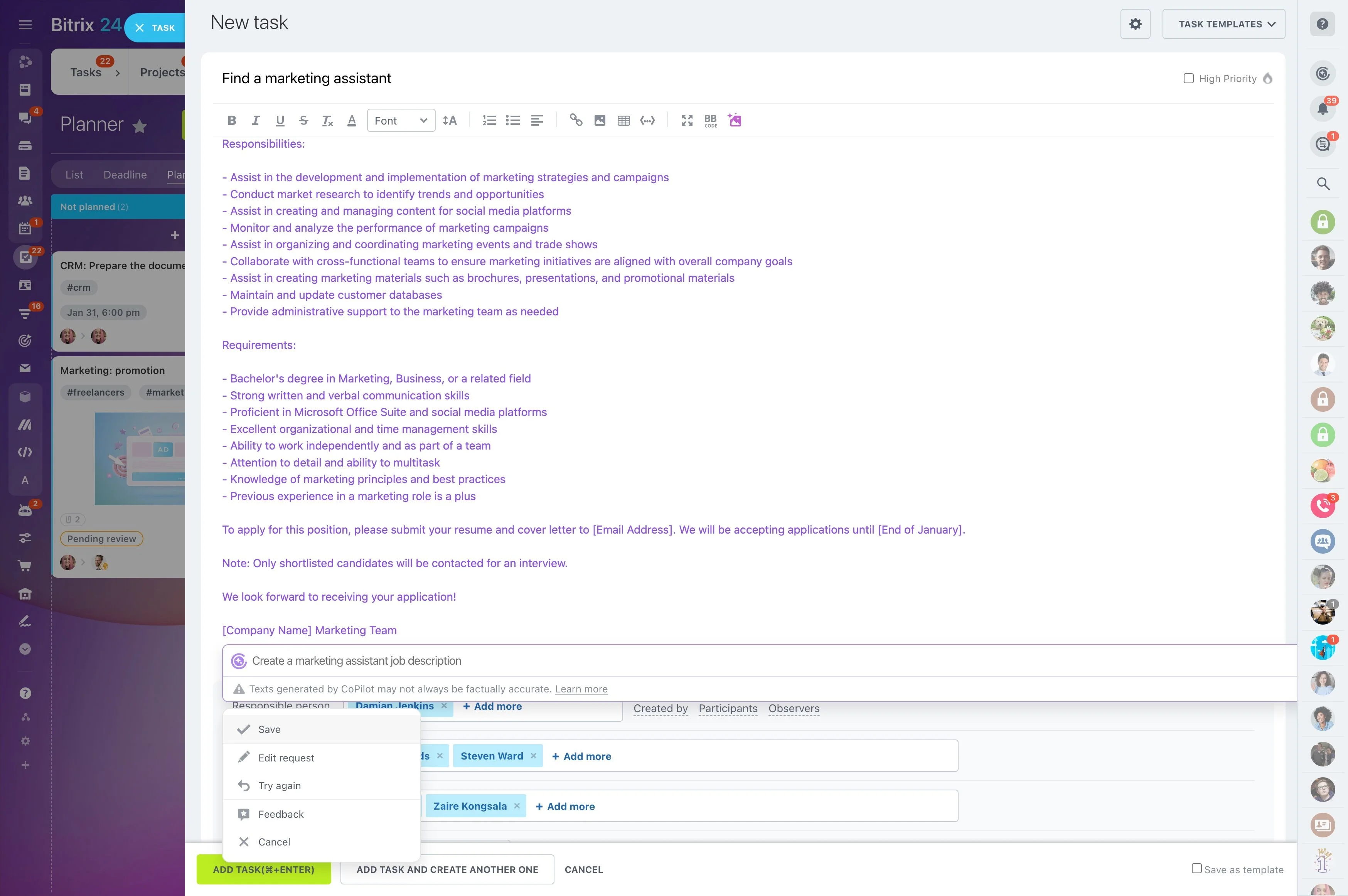
Take the CoPilot Follow-Up from your video call — or your own notes — and turn it into minutes and action items, each linked to the line it came from. Tick what's real, and the tasks appear with owners and deadlines.
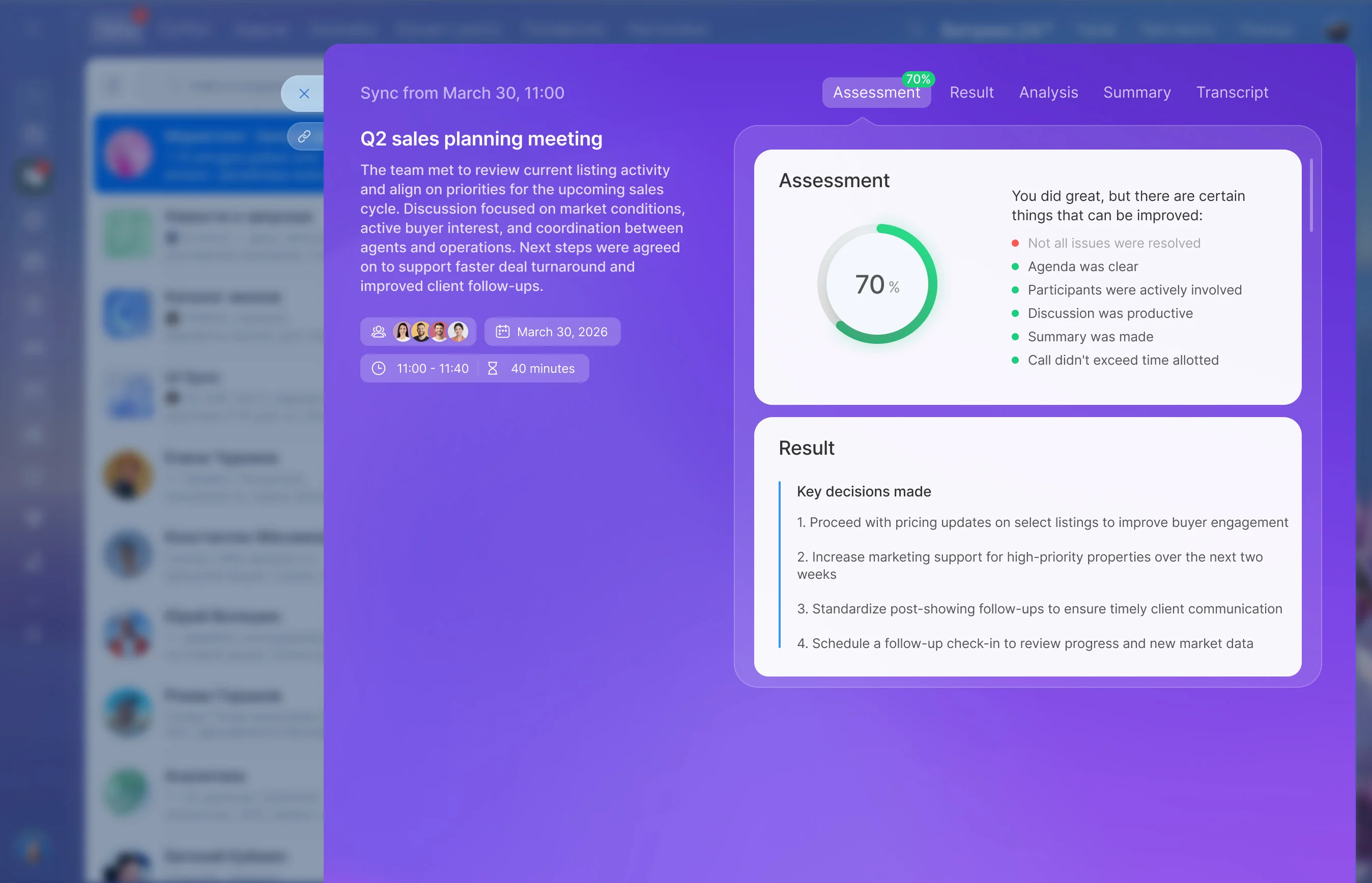
Meetings end with promises, and half of the action items quietly disappear. CoPilot Follow-Up already summarizes Bitrix24 video calls with agreements and action items. With Alaio Vibecode, you can build an app that takes that follow-up — or your own notes — links every item to its source line, and creates tasks in the right project after you confirm them.
- Turn call follow-ups or notes into minutes.
- Extract action items with owners and dates.
- Create Bitrix24 tasks with one click.
- Link minutes to the right project.
From Draft to Bitrix24 Tasks
You stay in control of what becomes work.
- Tick the items that are real.
- Fix details and press create.
- Get tasks with assignees, deadlines, and a link to the minutes.
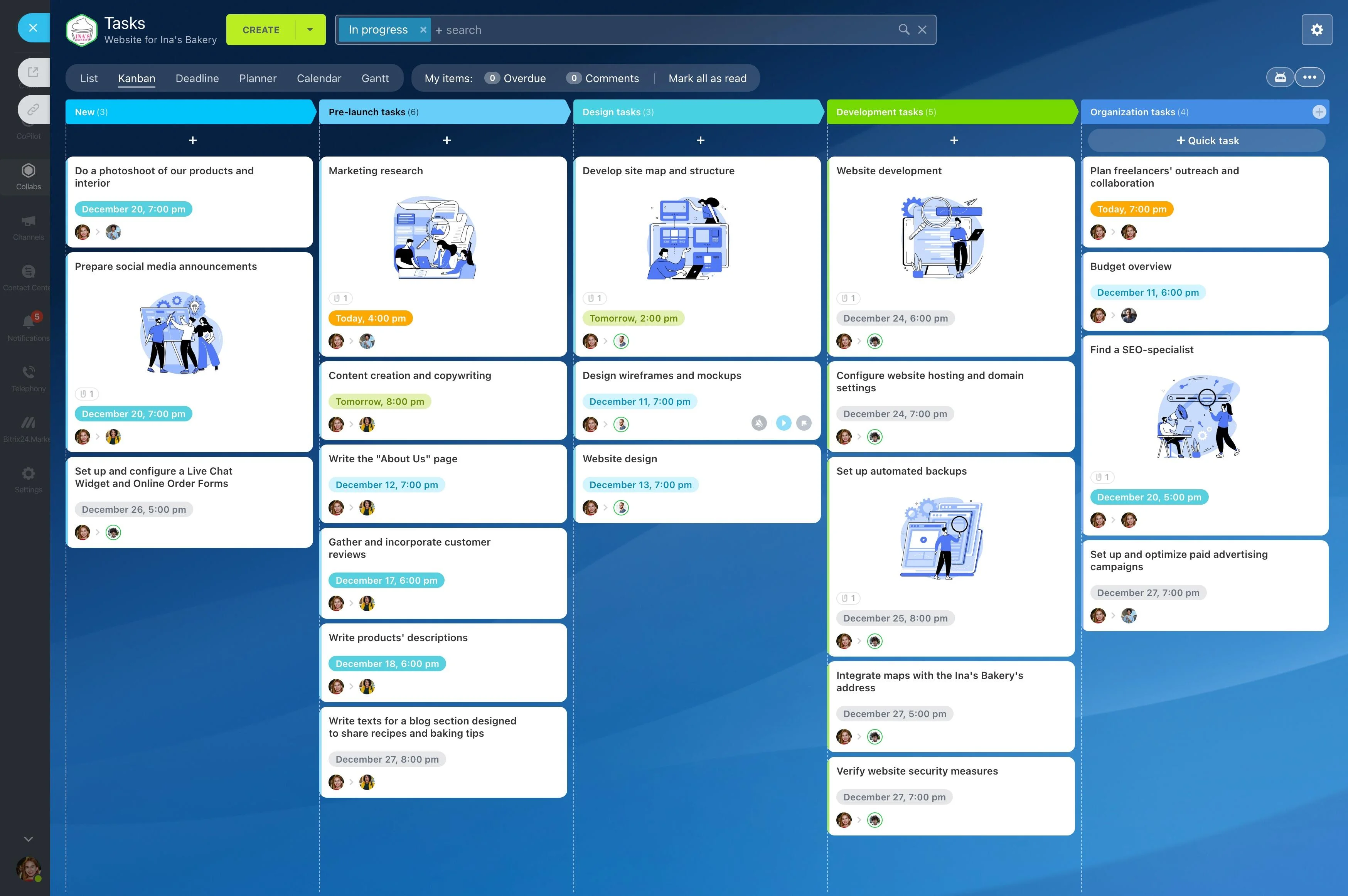
Built on Bitrix24 Video Call Follow-Ups
CoPilot can generate a follow-up after video calls, and the Vibecode API can read it.
- Transcript and meeting topic.
- Agreements and assigned action items.
- Pasted notes for meetings held elsewhere.
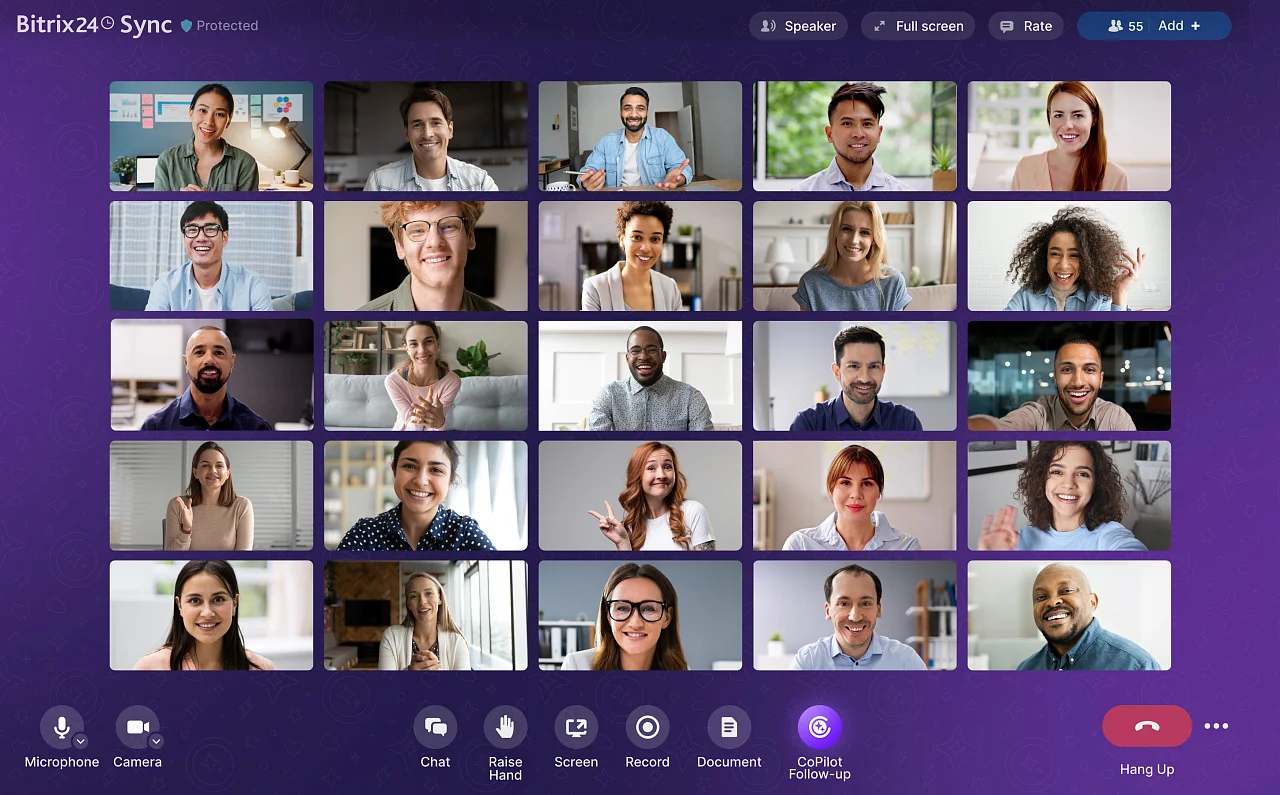
Minutes People Actually Read
A fixed format makes every meeting easy to scan.
- Topic and key points.
- Decisions made.
- Action items with owners.
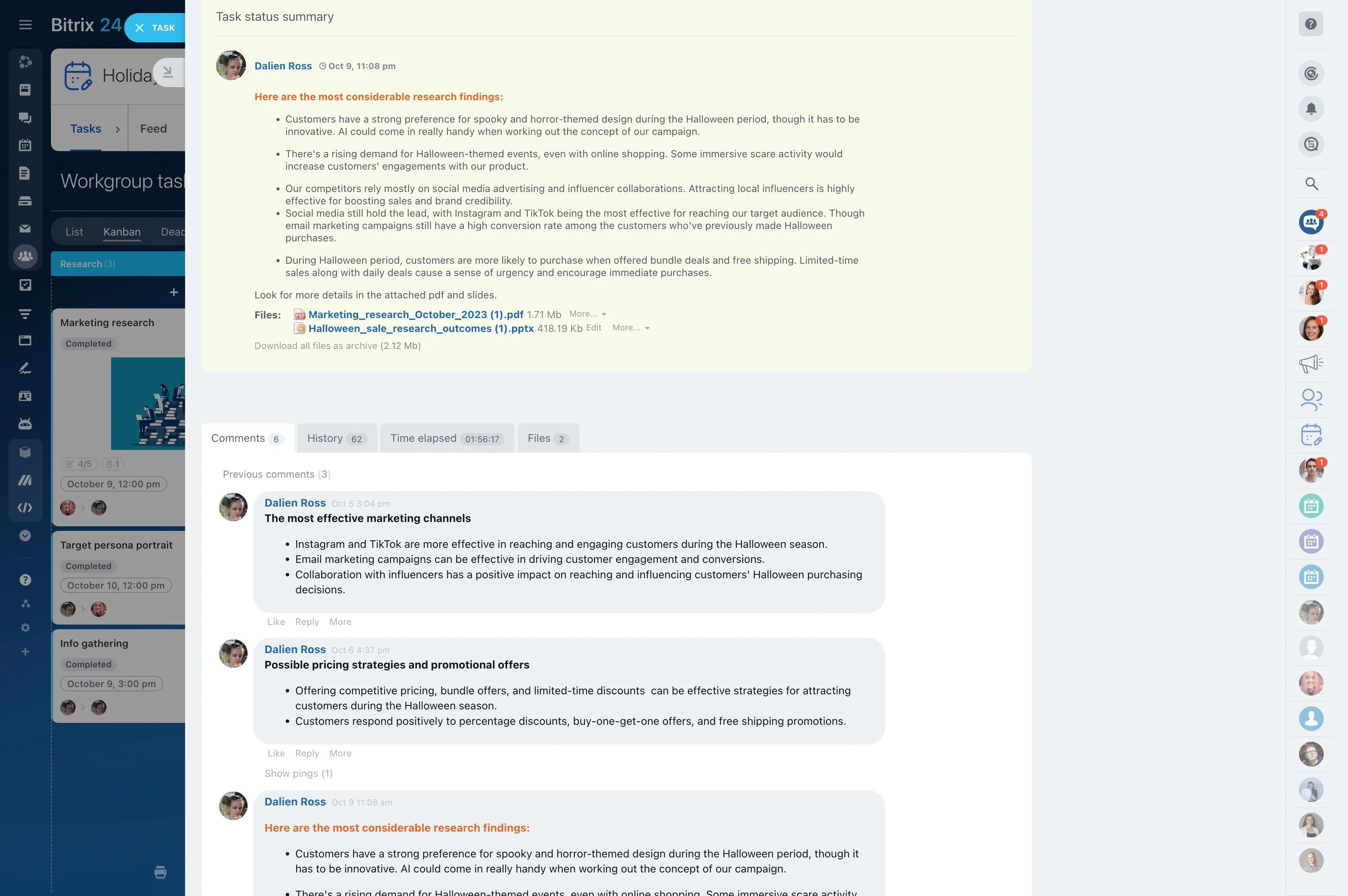
No Invented Details
Each action item is linked to the line it came from. Vibecode's ready-made Meeting → Tasks prompt follows the same rules.
- Fill owners and dates only when the text states them.
- Show "no date mentioned" otherwise.
- List what was deliberately not turned into a task.
Build the Meeting Notes App With Vibecode
Describe the flow, and AI builds it.
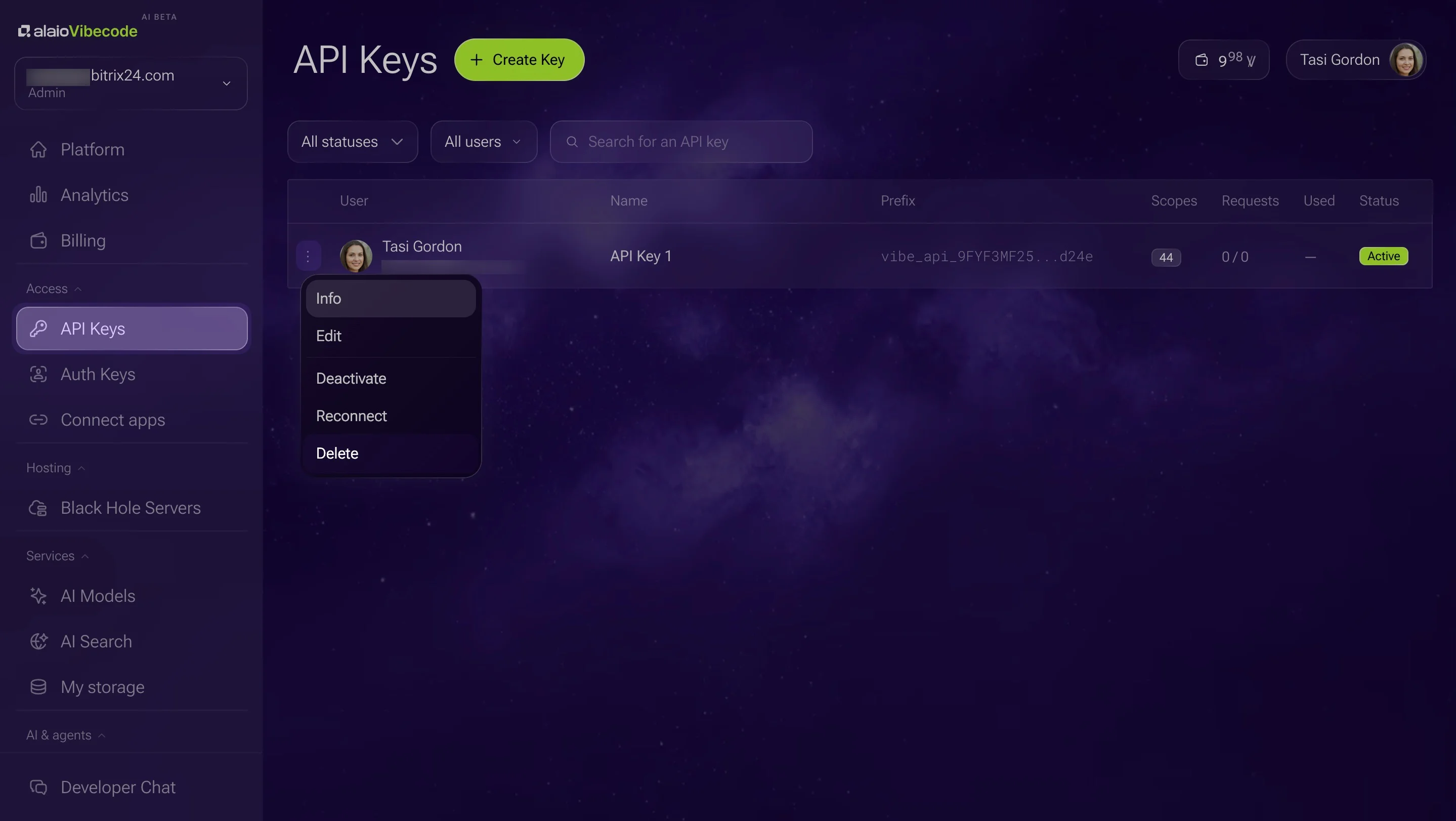
1. Create an API key with calls, tasks, and AI access.
2. Describe it: "After each video meeting, read the follow-up, draft minutes and action items with sources, and create confirmed items as tasks."
3. Try it on your next team meeting.
4. Refine the format in plain language.
Availability and Cost
Follow-ups depend on your plan's AI features and are not generated for every call.
- Pasted notes always work.
- Built-in AI models run within your Vibe+ plan's monthly AI allowance; usage beyond it is billed in Vibe credits.
- Vibecode is in AI Beta, so plans and pricing may change.
For more information about Bitrix24, head over to our training courses.
We also have a great YouTube channel that covers every aspect of Bitrix24, from sales and planning to document management and company internal communication tools.
To download the self-hosted edition of Bitrix24 that can be installed on your own server and give you access to open source code, please visit the Bitrix24 Self-Hosted page.
Be sure to check out other Bitrix24 tools:
15,000,000+ organizations have chosen Bitrix24